Download OrbitX

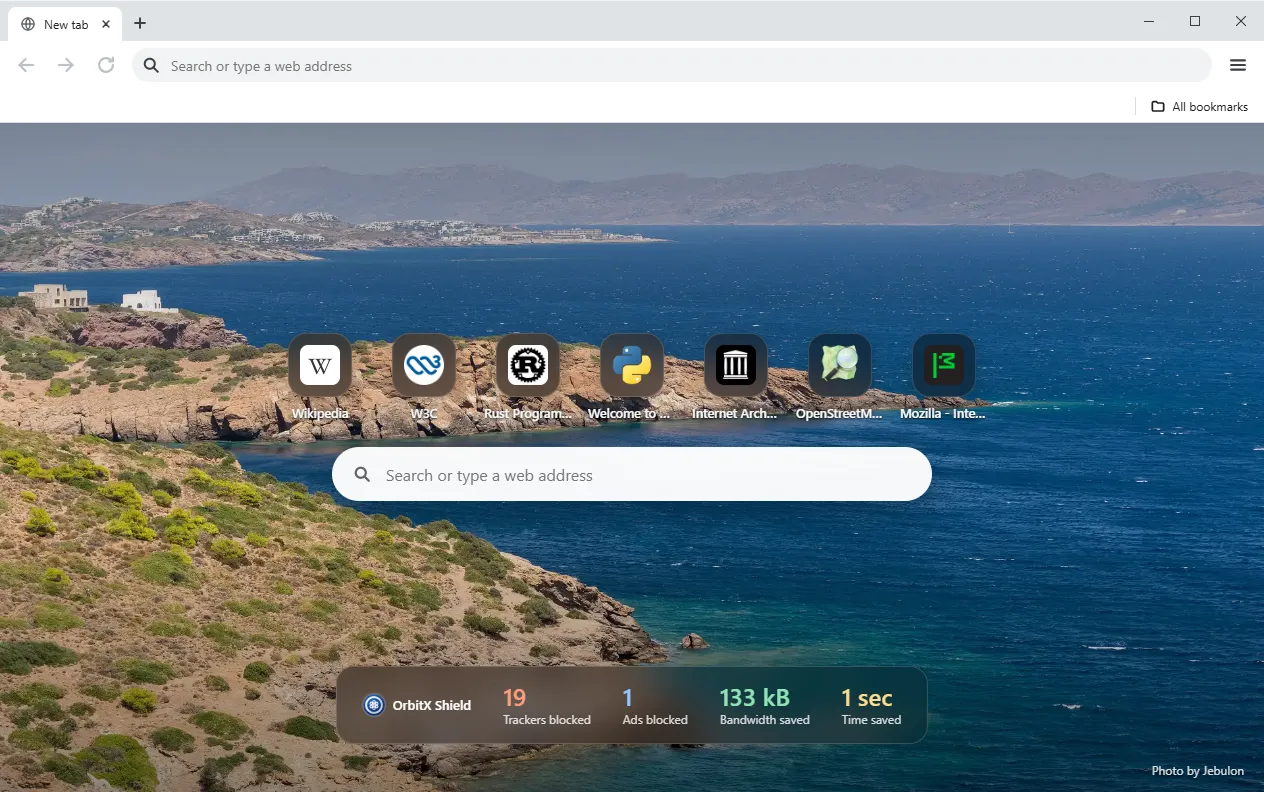
OrbitX blocks ads and trackers, needs no account and sends no telemetry.
Get OrbitX for WindowsRequires the Microsoft Edge WebView2 Runtime (included with Windows 11).
Or get it directly from the Microsoft Store:

OrbitX on the Microsoft Store
Installs and updates through the Store. Scan the code to open the Store page on another device, or follow the badge.

Scan to open in Microsoft Store
What you get
-
Ad & tracker blocking
OrbitX Shield blocks ads and trackers on the sites you visit.
-
No accounts
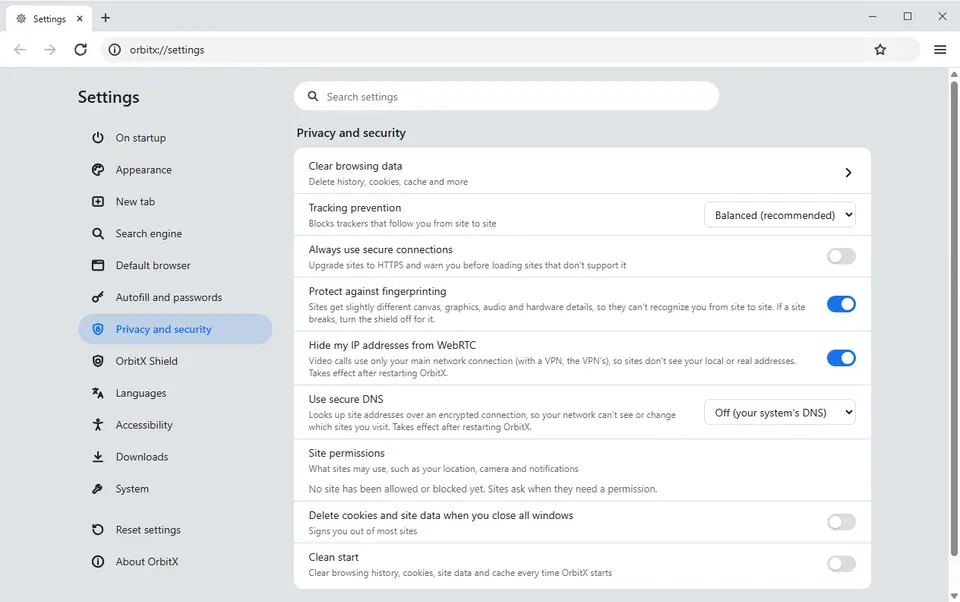
Nothing to sign up for. Your bookmarks and history stay on your device.
-
No telemetry
No usage data and no browsing history is sent to the developer.
-
HTTPS-only & fingerprint protection
Optional HTTPS-only mode, and protection against browser fingerprinting.
-
Private windows
Nothing is saved to history, and cookies are dropped when the last private window closes.
-
Built to stay light
Tabs you are not using go to sleep to free memory.